Business Onboarding
Why hotels, properties, and travel agencies come to Galiaraa — and exactly what it takes to switch your account to Business and go live.
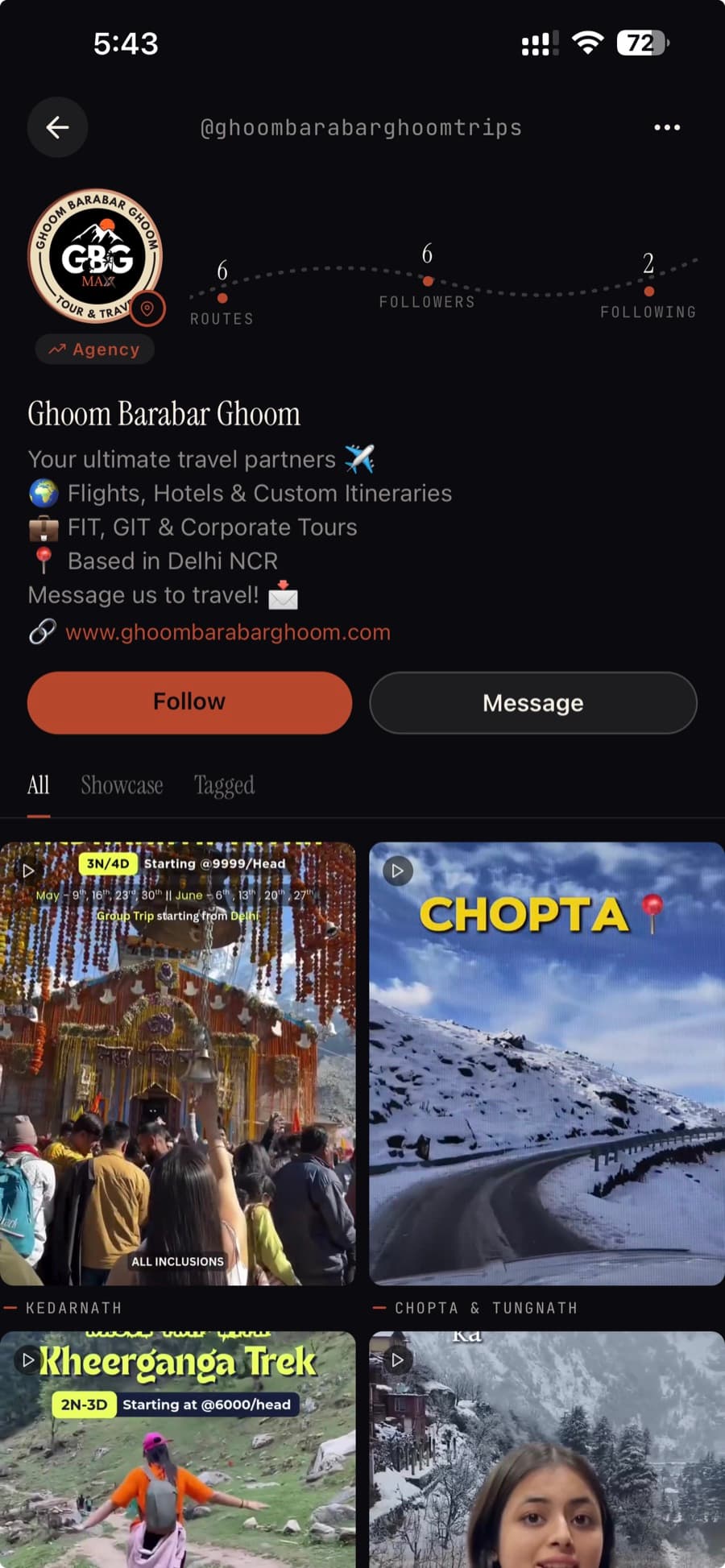
- Discovery is free and organic — your showcase surfaces in the same Discover feed every traveler uses; Galiaraa Ads is an optional paid layer on top, not a requirement.
- Two ways in: your own showcase and packages, or a creator who actually stayed with you and made you the anchor of their itinerary.
- Leads reach you directly — WhatsApp or an in-itinerary form — with zero commission taken.
- Business starts as an account-type switch on the same app: Settings → Account Type → Business, then Hotel / Property, Travel Agency, or Brand.
- The account activates immediately; a short GSTIN step follows for GST-compliant ad invoicing, not for KYC or payouts.
A listing on Galiaraa doesn't need to be bought to be found. Your showcase and packages surface in the same Discover feed every traveler uses, matched by state, budget, and trip type — that part is free. Galiaraa Ads exists on top of it, as an optional way to buy extra reach; it isn't the only way in, and it isn't required to get discovered.
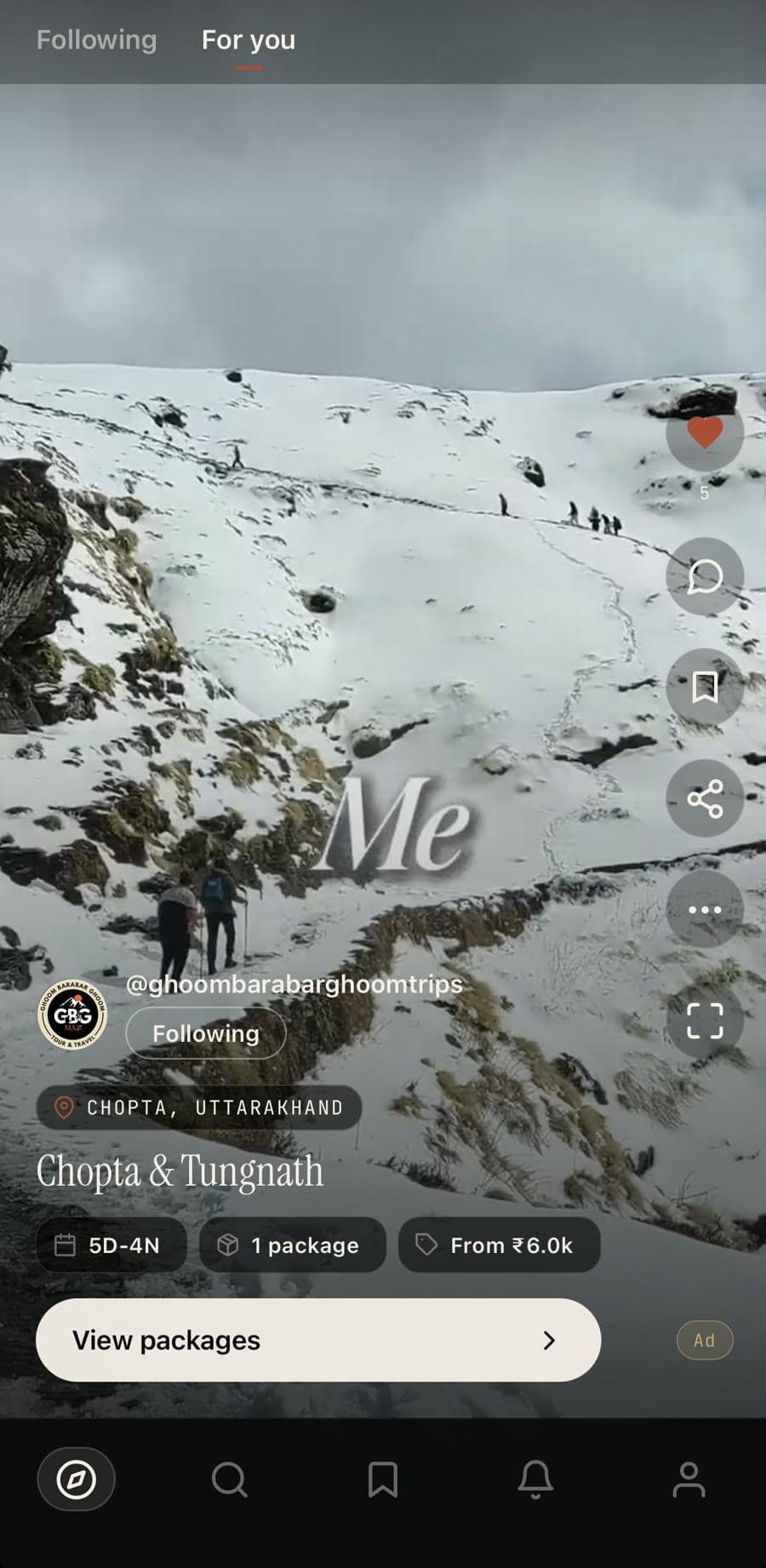
Why come here: travelers arrive already planning
Travelers filter by state, budget, and trip type from the dedicated Search tab, and land straight on properties and destinations that match. Others meet your showcase the same way they meet every video — scrolling Discover. Either way, by the time someone reaches your listing they're usually mid-itinerary, not idly scrolling — a different kind of lead than a generic display ad produces, whether or not you're running a campaign.
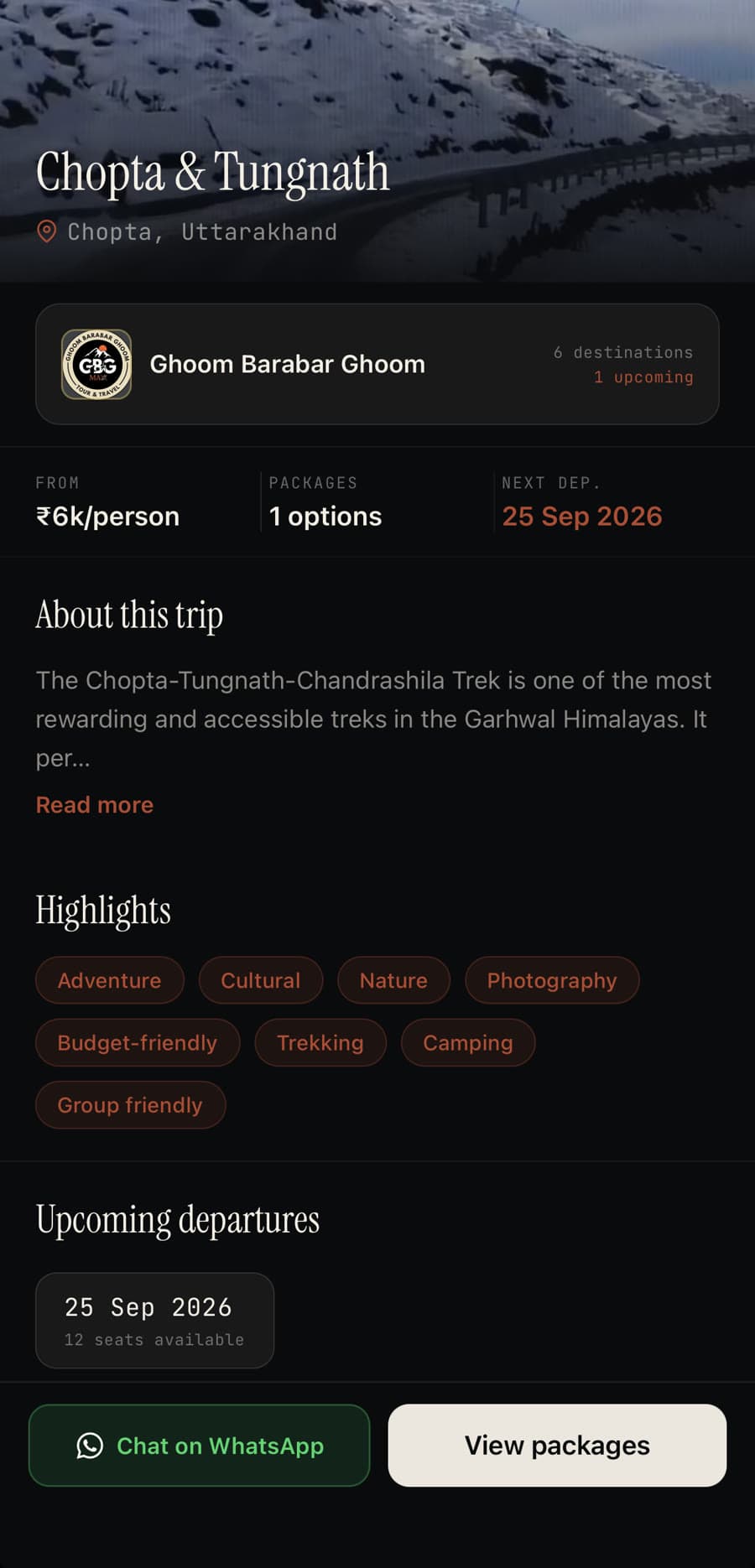
Showcases and packages
Hotels and properties list a showcase video with specific packages. Travel agencies list destination showcases with curated tours, tiers, and departure dates. Either way, the traveler sees the full picture — pricing, dates, what's actually included — before they ever reach out.
When a creator features your property
The other path in: a creator stays at your property or books your package, films the journey, and publishes a full itinerary with you as the anchor stay. That itinerary reaches every traveler who discovers it — not a paid boost, an actual journey someone lived.
Direct leads, no commission
When a traveler is ready, they reach you directly — over WhatsApp or a lead form embedded in the itinerary — with context already in hand, because they've already watched your showcase. Every lead reaches you directly, with no commission taken.
—You don't apply to be discovered. You switch your account, and the same feed every traveler scrolls does the rest.

Getting onboarded: switching your account to Business
There's no separate business app or sign-up form. A business account starts life as an ordinary traveler account on Galiaraa — the switch happens from Settings → Account Type, the same place a traveler would switch to Explorer, except you pick Business instead.
From there you choose the category that fits: Hotel / Property (hotels, resorts, homestays), Travel Agency (tour operators, trip planners), or Brand — gear, apparel, or lifestyle brands, currently coming soon.
Setting up your business profile
That's the whole form, and the account activates as soon as it's submitted — nothing here is held for manual approval. Once you're in, the profile can be edited from either place: the app, under Settings → Galiaraa Business, or the business portal's own Settings → Business profile tab. Same record, either door.
- Business name — required, shown on every showcase and listing.
- Business contact email and phone — each checked for availability, and verified by a one-time code before the account activates.
- Website — optional, but it's the one field travelers use to look you up before reaching out.
- A profile photo or logo, added the same way a traveler adds theirs.
What GST verification actually is (and isn't)
Add your GSTIN and it's checked against the GST registry, but it isn't KYC and it isn't tied to getting paid. Galiaraa isn't a payment aggregator or a merchant of record: bookings happen on your own channels, and no money moves through Galiaraa to reach you. The GSTIN exists so Galiaraa can raise GST-compliant invoices when you spend on ads — and once it's verified, your profile carries a verified badge and gets state-wide reach on Galiaraa. Until it's added, ad-related uploads pause; everything else about the account stays active.
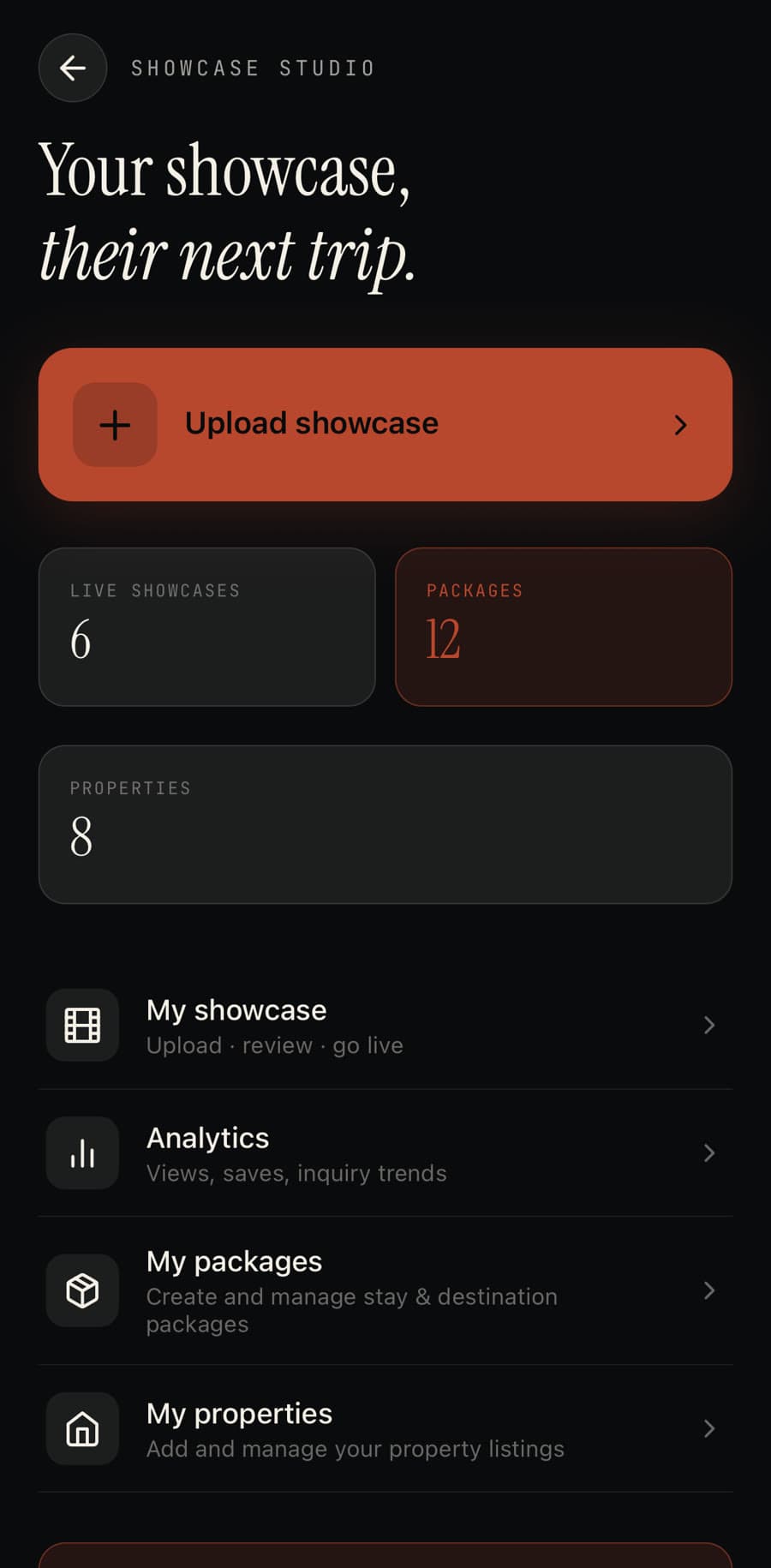
What you can actually do: build your first showcase
A profile alone doesn't get you found — a showcase does. Showcases are built in the Galiaraa app, not the portal: open the app, tap your profile, then Showcase Studio. Hotels and properties build a Property showcase; travel agencies build a Travel package showcase for a destination tour, with its own tiers and departure dates.
The flow is the same shape either way: upload the video, add a title and category travelers search by, link it to your property, then pick which of your packages the showcase features. Submit it, and it goes to review before it's live — the same authenticity check every video on Galiaraa goes through.
Property and package details live in the portal
A showcase needs something to link to. Before building one, add the property itself — name, type, star rating, amenities — and the packages or tour tiers it offers, both from the Galiaraa Business portal. Once they exist there, Showcase Studio in the app can pull them into a video.
The portal also mirrors every showcase you've published — status, type, and which property it's linked to — as a read-only list; editing the video itself still happens back in the app.
Running the business from the portal
Everything past the showcase lives in Galiaraa Business, the business portal: campaigns, incoming leads, creator collaborations, subscription and billing, and analytics on impressions, leads, and revenue. Signing in uses the same credentials as the account you just switched — the portal checks that the account is on Business before letting you in.